

Introduction
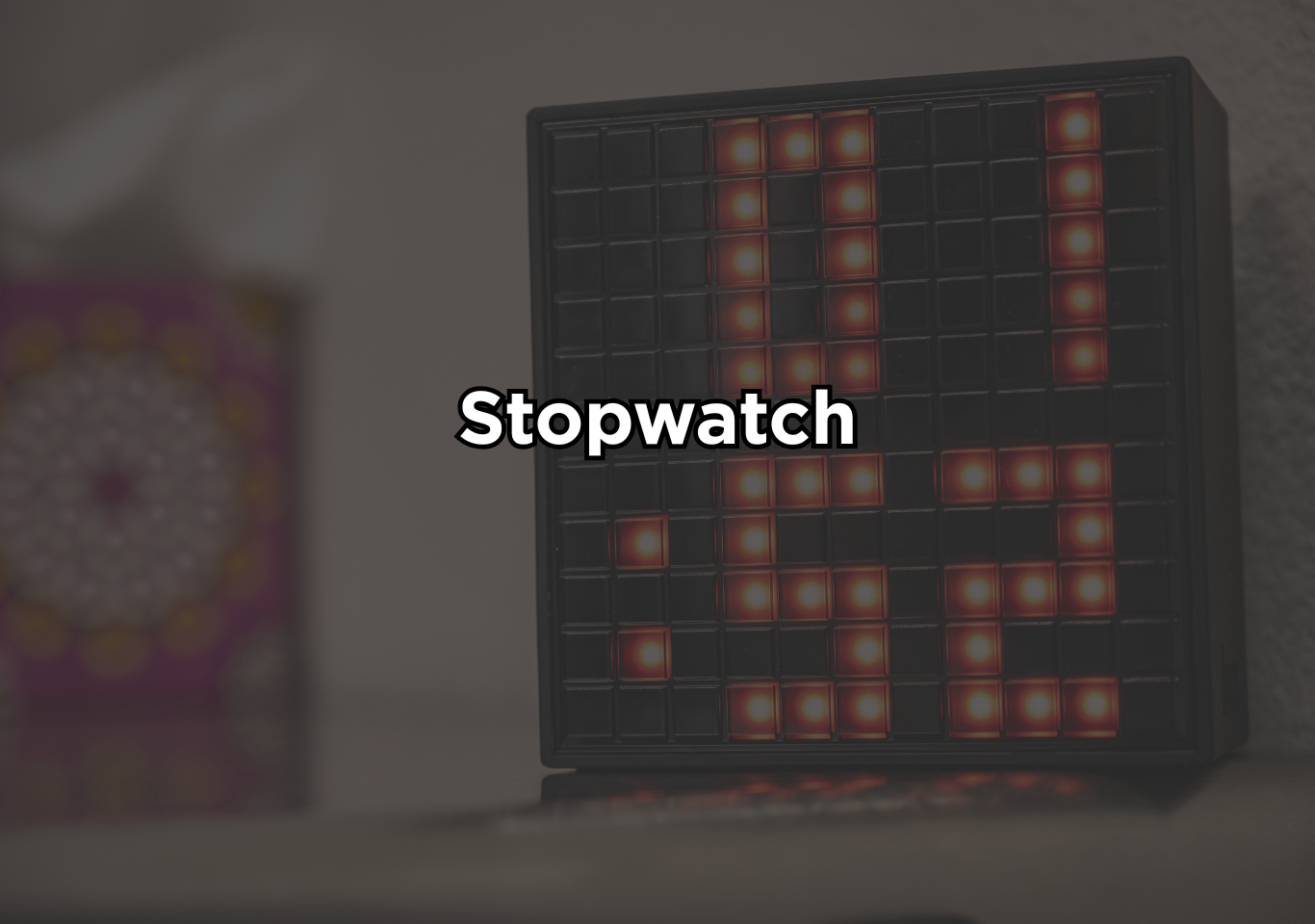
A stopwatch is a time-measuring device designed to record the amount of time that elapses between two specific events. It is simple, functional, easy to use and implement.
A JavaScript stopwatch app is a web-based timing application that tracks elapsed time from when the user clicks “Start” until they press “Stop” or “Reset”. Unlike a physical stopwatch device, a JavaScript stopwatch runs inside a web browser and uses built-in timing functions to calculate and display time dynamically. It is commonly used in sports, scientific experiments, workouts, cooking, exams, and performance testing where accurate timing is critical. In sports, stopwatches are essential for tracking sprint times, lap intervals, and race durations.
Traditional stopwatches were mechanical devices operated by pressing a button to start, stop, and reset the timer. Modern versions are digital and are built into smartphones, smartwatches, fitness trackers, and computer applications. Digital stopwatches typically measure time in hours, minutes, seconds, and often milliseconds for higher precision. According to the National Institute of Standards and Technology (NIST), accurate time measurement is fundamental in science, engineering, and industry because even small timing differences can significantly affect results.
A JavaScript stopwatch generally includes:
- A Start button to begin counting time
- A Stop or Pause button to temporarily halt counting
- A Reset button to return the timer to zero
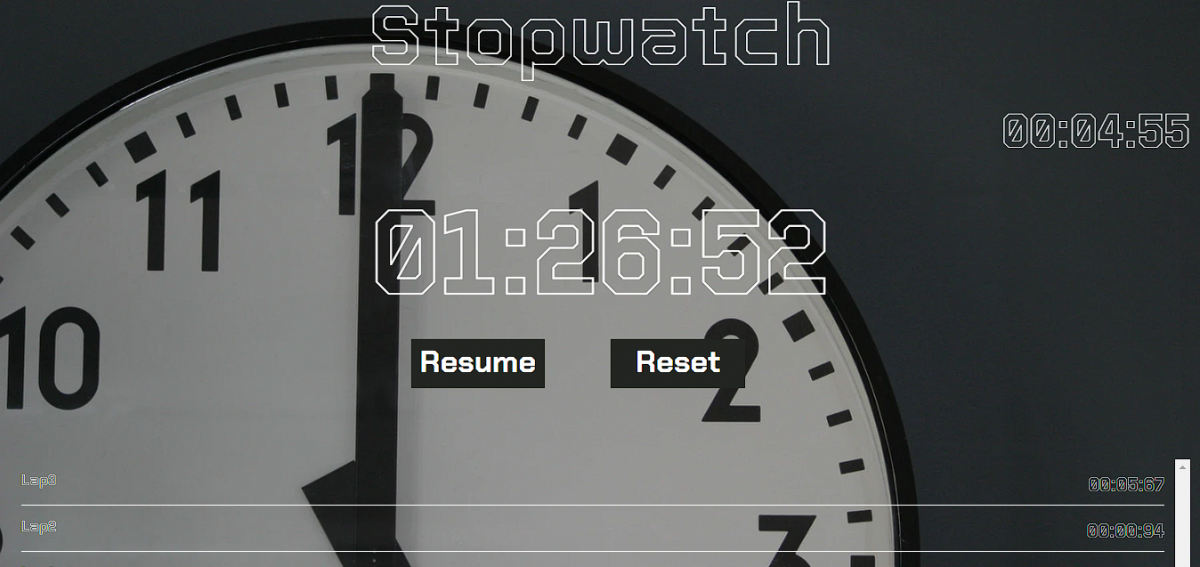
- A display area showing time in hours, minutes, seconds, and sometimes milliseconds
Core features of the stopwatch app
Start Button
The Start button activates the stopwatch and begins tracking time instantly. If the timer was previously paused, it resumes counting from where it left off instead of restarting. This ensures continuity and allows users to measure real durations without losing previously recorded progress during interruptions.
Stop / Pause Button
The Stop or Pause button temporarily freezes the timer while preserving the elapsed time. It allows users to take breaks or evaluate intermediate results without resetting the session. When pressed again, the stopwatch can continue smoothly from the exact paused moment without recalculating.
Reset Button
The Reset button clears the stopwatch completely and returns the display to zero. It also removes any stored lap records, providing a fresh start for a new timing session. This feature ensures users can restart measurements quickly without manually refreshing or reloading the application.
Lap Functionality
Lap functionality allows users to record intermediate time checkpoints while the stopwatch continues running. This is useful for tracking performance segments, such as laps in a race or timed intervals in workouts. It provides structured breakdowns of total elapsed time without interrupting the main timer.
Millisecond Precision
Millisecond precision enhances accuracy by measuring time to the millisecond. Instead of stopping at whole numbers, the stopwatch tracks smaller fractions of time for detailed performance analysis. This level of precision is esp
Building the project
To build the stopwatch app, we combine several front-end technologies to create structure, design, and functionality. HTML provides the basic structure of the application it defines the layout, buttons, and display area that appear in the browser. HTML acts as the foundation of every web page, as explained in Google’s Web Fundamentals documentation. These web fundamentals will help you understand core web elements clearly and apply them effectively in real-world development.
CSS is used to style and visually enhance the layout. It controls colors, spacing, alignment, typography, and responsiveness. Proper styling improves usability and readability, especially for time-based interfaces. For functionality, we use JavaScript to control the stopwatch logic, starting, stopping, resetting, and calculating elapsed time when buttons are clicked. JavaScript enables interactive behavior inside the browser.
We also use jQuery, a lightweight JavaScript library designed to simplify DOM manipulation and event handling. It follows the philosophy of “write less, do more,” making it easier to attach click events and update the interface dynamically. To ensure the app works smoothly on different screen sizes, Bootstrap is used for responsive design and layout components (Source: ). For typography, we integrate Google Fonts to improve visual appeal. Images, if included, are sourced from Unsplash, which provides free high-quality photos.
How to use this project?
- Download the project.
- Extract the source code.
- Open the folder in code editor. (vs code, sublime text, atom)
- Launch the project in the browser. (chrome, firefox)
- Use the stopwatch app.
- Enjoy and share
Now it’s your move. Don’t just read about building a stopwatch app, build it. Open your code editor and challenge yourself to create it from scratch. Can you make it more accurate? More responsive? More visually impressive? Push it further. Add lap history. Store results in local storage. Turn it into a productivity timer. Make it mobile-ready.
Then test it. Break it. Fix it. Improve it again. Share your version. Compare it with others. Track your progress as a developer just like the stopwatch tracks time.
Start building today because skill only grows when you ship real projects.