

Introduction
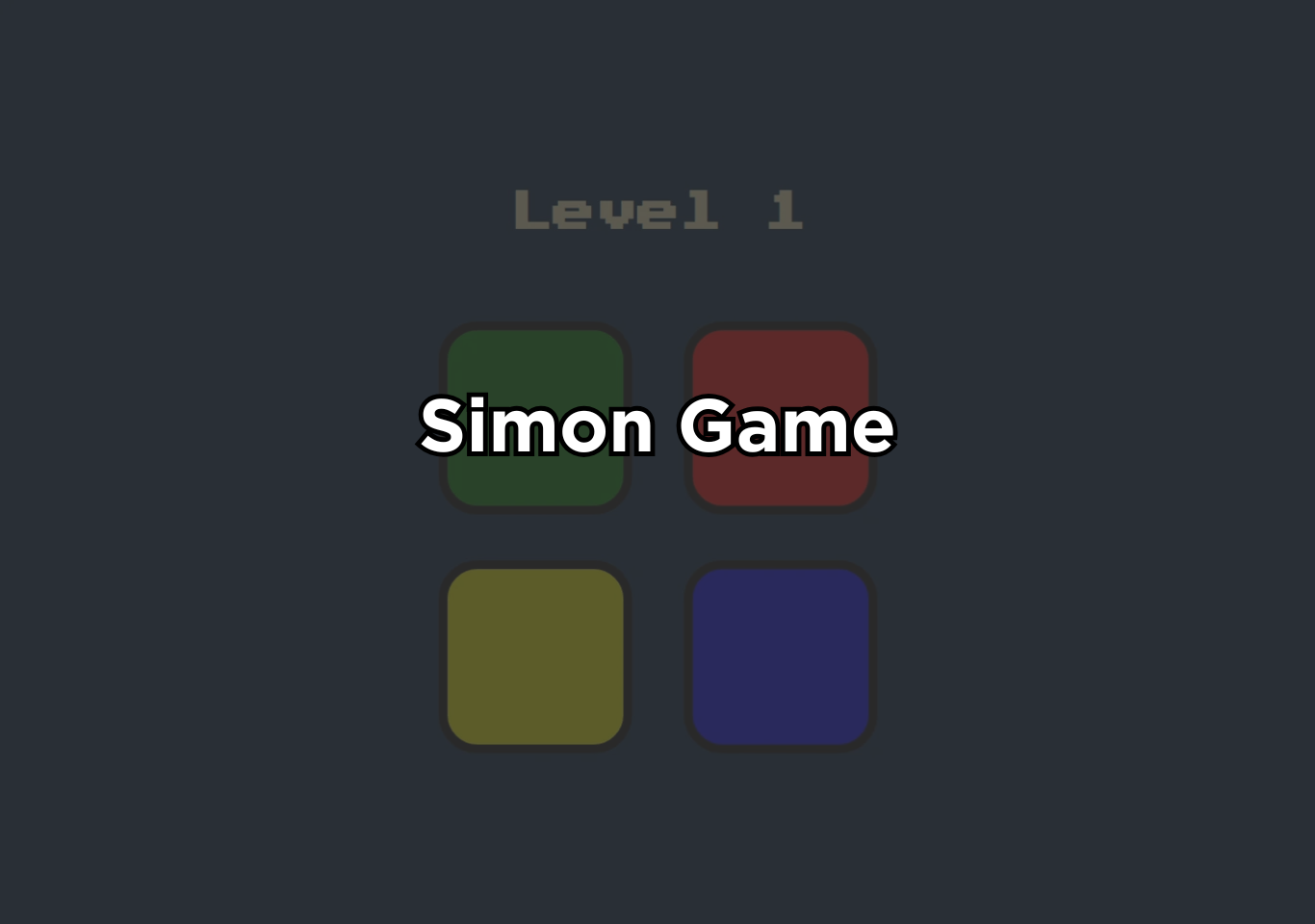
The Simon Game in JS is one of the most popular beginner-to-intermediate projects for web developers. It is a classic electronic memory game originally released in the late 1970s.
Simon game was invented by Ralph H. Baer and Howard J. Morrison, a pattern-based memory game in which players must repeat a sequence of colors or sounds in the correct order. The game starts with a simple pattern, often just one color, and challenges players to remember and repeat an ever-growing sequence of colors or sounds. Each round adds a new step to the sequence, making the game progressively harder.
What makes the Simon Game effective and engaging is its combination of visual and auditory cues. By stimulating multiple senses, the game challenges the brain to recognize, store, and recall patterns accurately. This design makes it both entertaining and mentally demanding, which is why it has been widely used as a cognitive and educational game.
In digital versions, especially those built for the web, the Simon Game is often recreated using JavaScript. These versions simulate the original gameplay with interactive buttons, animations, and sound effects, making the experience accessible through a web browser. As a result, the Simon Game has become a popular beginner-friendly project for learning interactive programming concepts.
Design and Visual Structure
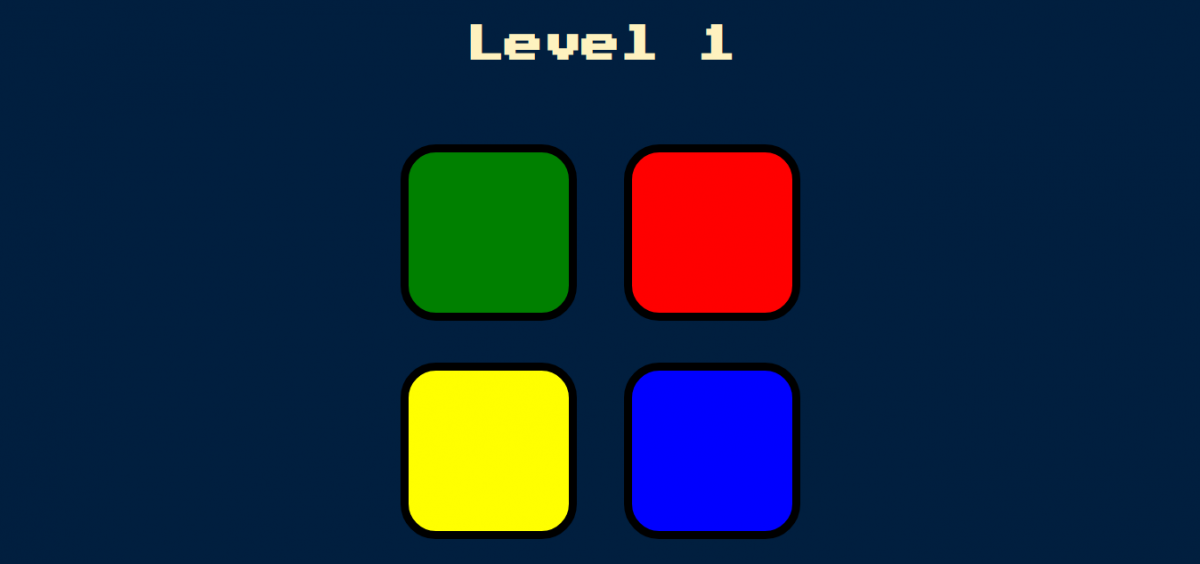
The design and visual structure of a Simon Game play a critical role in how effectively the game tests memory and attention. A well-designed Simon Game typically uses a clean, centered layout with a simple 2×2 grid of large, clearly separated color pads, allowing players to recognize patterns instantly without visual confusion. High-contrast colors are essential so each pad is easily distinguishable, even under fast gameplay or on smaller screens.
Visual feedback must be immediate and unambiguous: when the system displays a sequence, each pad should flash or brighten briefly, and when the user presses a pad, a distinct visual response should confirm the input. This feedback states help players connect actions with outcomes, reinforcing learning and recall. Typography and on-screen text should remain minimal, displaying only essential information such as the current level or game status, ensuring the player’s focus stays on the pattern rather than reading instructions.
Responsive design is equally important, as the game should function smoothly across desktops, tablets, and mobile devices, with touch-friendly button sizes and consistent spacing. When combined with synchronized sound effects, the visual structure creates a cohesive multisensory experience that feels intuitive, engaging, and mentally stimulating, allowing the Simon Game to remain both challenging and enjoyable without unnecessary visual complexity.
Core Concept of simon game
The core concept of the Simon Game is progressive pattern memory and recall under increasing cognitive load. At its foundation, the game operates on a simple loop: the system generates a pattern, presents it to the player, and then evaluates whether the player can accurately reproduce that pattern in the correct order. What makes the Simon Game powerful is not complexity, but how it incrementally stresses human short-term memory.
The game begins with a single signal, usually a color paired with a sound. This initial step establishes a baseline pattern. Each successful round appends one new signal to the existing sequence, forcing the player to remember all previous steps plus one additional element. This design directly targets working memory, the brain’s ability to temporarily hold and manipulate information. Research shows that working memory capacity is limited, which is why the game becomes rapidly challenging as the sequence grows longer.
Another key concept is sequential dependency. The player must not only remember which elements appear, but also their exact order. Unlike recognition-based tasks (such as multiple-choice questions), the Simon Game relies on recall-based processing, which is cognitively more demanding. This mirrors real-world tasks like remembering passwords, phone numbers, or procedural steps, making the game an effective mental exercise.
Role of JavaScript
JavaScript is the “game engine” of a browser-based Simon Game: it controls the pattern logic, the timing of flashes and sounds, and the rules that decide whether the player advances or loses. First, JavaScript wires the UI to user actions by attaching event listeners to the color buttons. Each press is captured through the browser’s event system, so every input can be recorded, compared, and reacted to instantly.
Second, JavaScript manages the game’s state: the generated sequence, the player’s current index inside that sequence, the current level, and whether input is temporarily locked while the game is “playing” the pattern. This state is updated after each correct press, enabling the classic loop: replay the full sequence, then append one new step.
Third, JavaScript orchestrates timing. The Simon Game depends on paced playback, flash, pause, and flash so the player can perceive order. Browser timers like setTimeout let the game schedule these steps, create consistent delays, and optionally speed up later levels for difficulty scaling.
Fourth, JavaScript drives feedback by manipulating the DOM, it can add, remove, or toggle CSS classes to trigger animations (the button “flash”), update text for level and score, and disable controls during playback. This works because the DOM connects document structure to scripts, and classList provides standard methods to change visual states without rewriting markup.
How to use this project?
- Download the project.
- Extract the source code folder.
- Set up an editor or IDE. (vs code, sublime text, atom)
- Open the project folder in the editor.
- Launch the program in the browser. (chrome, firefox)
- Play the Simon game.
- Score, share & enjoy!
Ready to put your skills to the test? Build your own Simon Game, customize its design, and challenge your memory while sharpening your JavaScript fundamentals. Start experimenting today, refine the visuals, improve the interaction, and turn this classic game into a standout project for your portfolio.