

Introduction
A speed reader project can help you improve your reading speed while also boosting your frontend development skills. It’s more than just a beginner project; it includes timing control, DOM manipulation, and user interaction as well.
A speed reader application, also known as fast Serial Visual Presentation (RSVP), displays text in fast succession. Instead of scanning lines of text, users concentrate on a specific location where words emerge. This method eliminates the requirement for eye movement, which is one of the primary causes reducing reading speed, allowing users to focus solely on understanding.
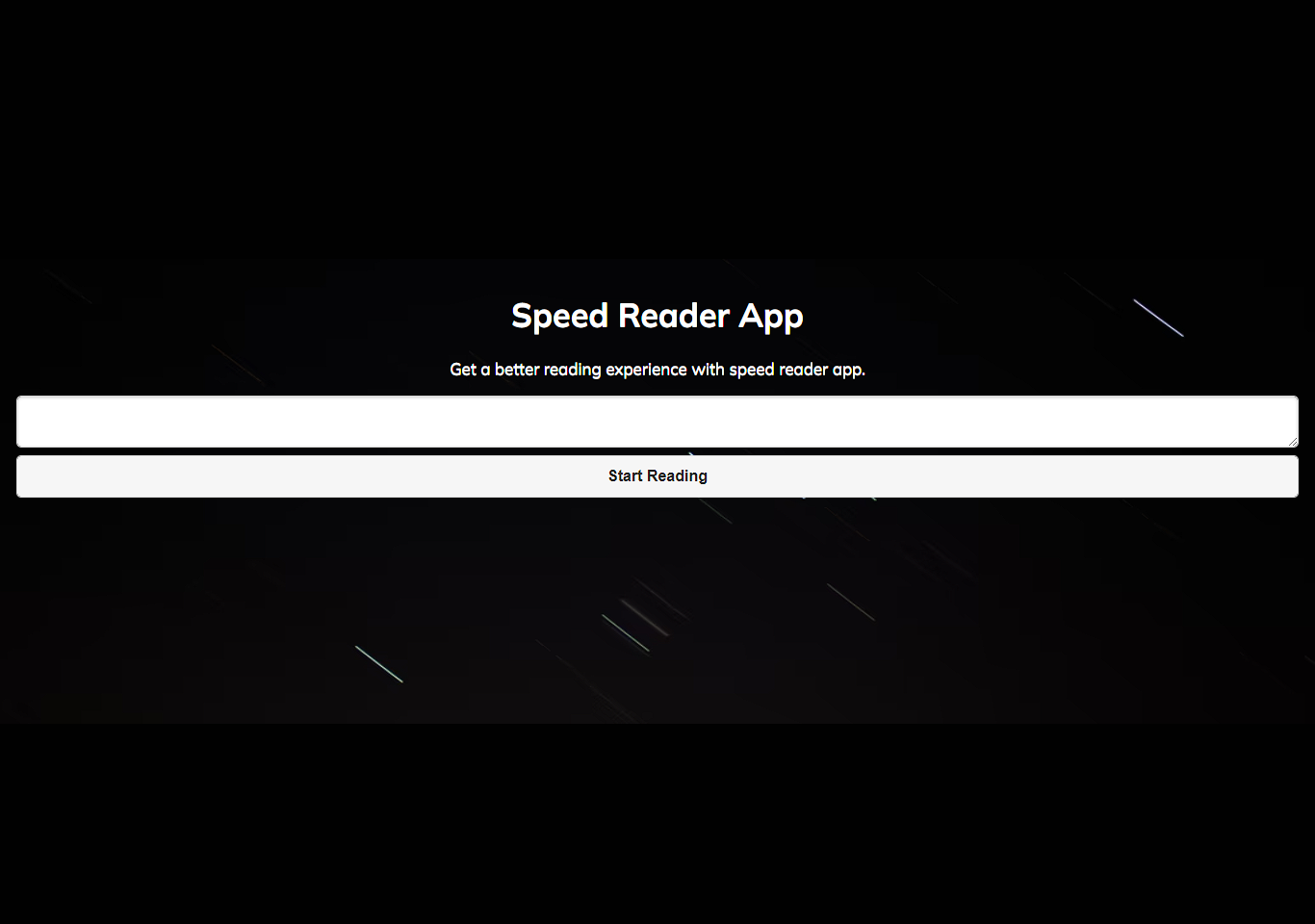
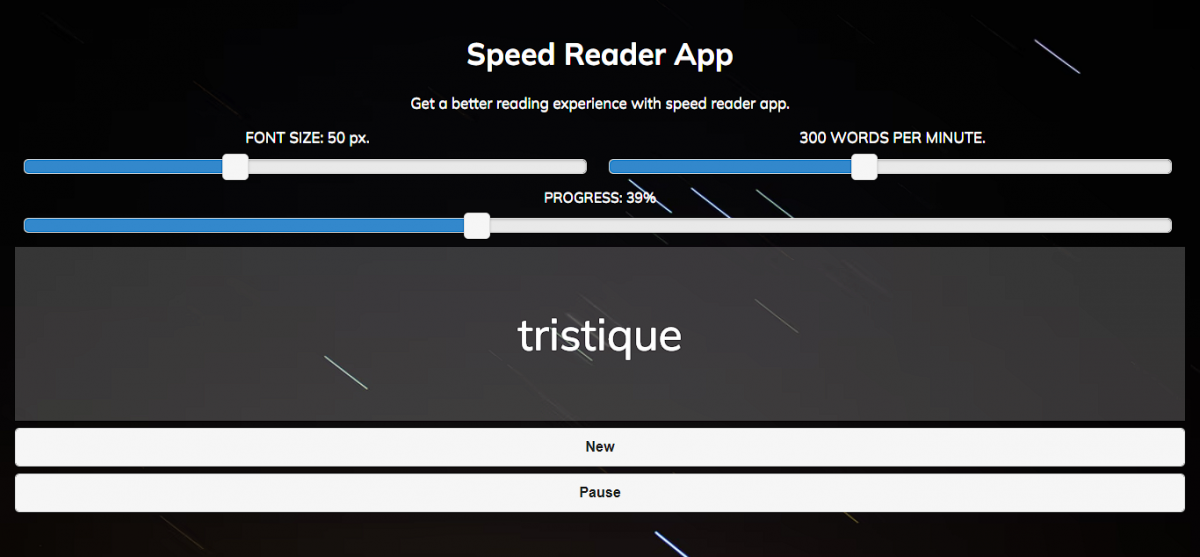
In a typical speed reader project, the user enters text into a field, and the application splits the text into individual words. JavaScript then uses timing routines to regulate how these words are displayed, ensuring that each word appears at a precise interval determined by words per minute (WPM). For example, if the pace is set to 300 WPM, each word appears for a fraction of a second before moving on to the next. Users can usually start, pause, or change the reading speed according on their preferences.
The core purpose of building a speed reader in JavaScript is to combine functionality with user interaction. It demonstrates how JavaScript handles real-time updates, event-driven actions, and DOM manipulation in a practical scenario. This makes it more than just a basic project it becomes a tool that improves productivity and reading efficiency. This project is built using HTML, CSS, and JavaScript.
Why build a speed reader?
Building a speed reader project in JavaScript requires you to move away from static interfaces and toward dynamic, real-time apps. You’re working with timers, user input, and continuous DOM changes, all of which are necessary skills for modern frontend programming. Unlike simple projects like to-do lists, this application demonstrates that you can handle temporal logic and user experience at once. Furthermore, JavaScript is the best language for this project because it runs directly in the browser, allowing for immediate interaction without relying on backend services. This is a frontend project and does not deals with backend prooperties such as database, API, server etc.
Features of Speed Reader
- Allows users to paste or type any text they want to read, which is then processed into smaller, readable units.
- Displays one word (or a small group of words) at a time in a fixed position to reduce eye movement and increase reading speed.
- Provides full control over the reading session, allowing users to start, pause, or restart without losing progress.
- Enables users to adjust how fast words appear, making the app suitable for both beginners and advanced readers.
- Shows how much of the text has been completed, helping users stay engaged and track their reading progress.
- Ensures the application works smoothly across different devices, including desktops, tablets, and smartphones.
- Provides visual comfort options to reduce eye strain during long reading sessions.
Building the project
To produce a responsive and dynamic reading tool, a JavaScript speed reader project combines essential web technologies such as HTML, CSS, JavaScript, and, if desired, jQuery. HTML serves as the application’s structural underpinning, specifying elements such as the text input field, display container, and control buttons. CSS is then utilized to improve the visual experience by styling these elements and guaranteeing readability with appropriate typeface, spacing, and contrast. A clean interface is essential in a speed reader since distractions impair user focus and understanding.
JavaScript plays a central role in making the application functional. It handles the logic for splitting input text into individual words, controlling the timing of word display, and responding to user actions such as starting, pausing, or adjusting the reading speed. This dynamic behavior is what transforms a static page into a real-time interactive tool. JavaScript allows developers to update material in the browser without having to reload the page, which is critical for apps that require constant updates, such as speed readers.
Many implementations use jQuery to simplify coding and reduce complexity. It enables developers to write less code while efficiently processing events, animations, and DOM manipulation. This is consistent with the DRY (Don’t Repeat Yourself) philosophy, in which reusable functions are written to keep the codebase clean, maintainable, and simple to understand. Developers can reduce redundancy and enhance scalability by designing the project around modular functions.
How to use this project?
- Download the project.
- Extract the source code folder.
- Set up an editor or IDE. (vs code, sublime, atom)
- Open the project folder in the editor.
- Launch the project in the browser. (chrome, firefox)
- Paste your text and see the speed reading effect.
- Enjoy & Share.
Do not treat this as just another practice project. Turn it into a portfolio asset that proves you can build interactive, user-focused applications. Deploy it, write about it, and use it as leverage to stand out from developers who only follow tutorials without execution.
Click the download button below to get the project and get experienced by yourself.